How to Issue an Invoice in Spain for Clients from Different Countries
Introduction
Issuing invoices correctly in Spain is essential for VAT (IVA) compliance and accurate tax reporting. The VAT treatment depends on whether your client is located in Spain, another EU country, or outside the European Union.
This guide explains how autónomos and companies must apply IVA, reverse charge rules, OSS regulations and reporting obligations when invoicing domestic and international clients.
1️⃣ Mandatory Elements of a Spanish Invoice
- Sequential invoice number
- Invoice date
- Seller’s full name or company name and NIF/CIF
- Client’s identification details
- Description of goods or services
- Taxable base (base imponible)
- VAT rate (IVA) applied
- Total amount payable
- Currency used
2️⃣ Invoice to a Client in Spain
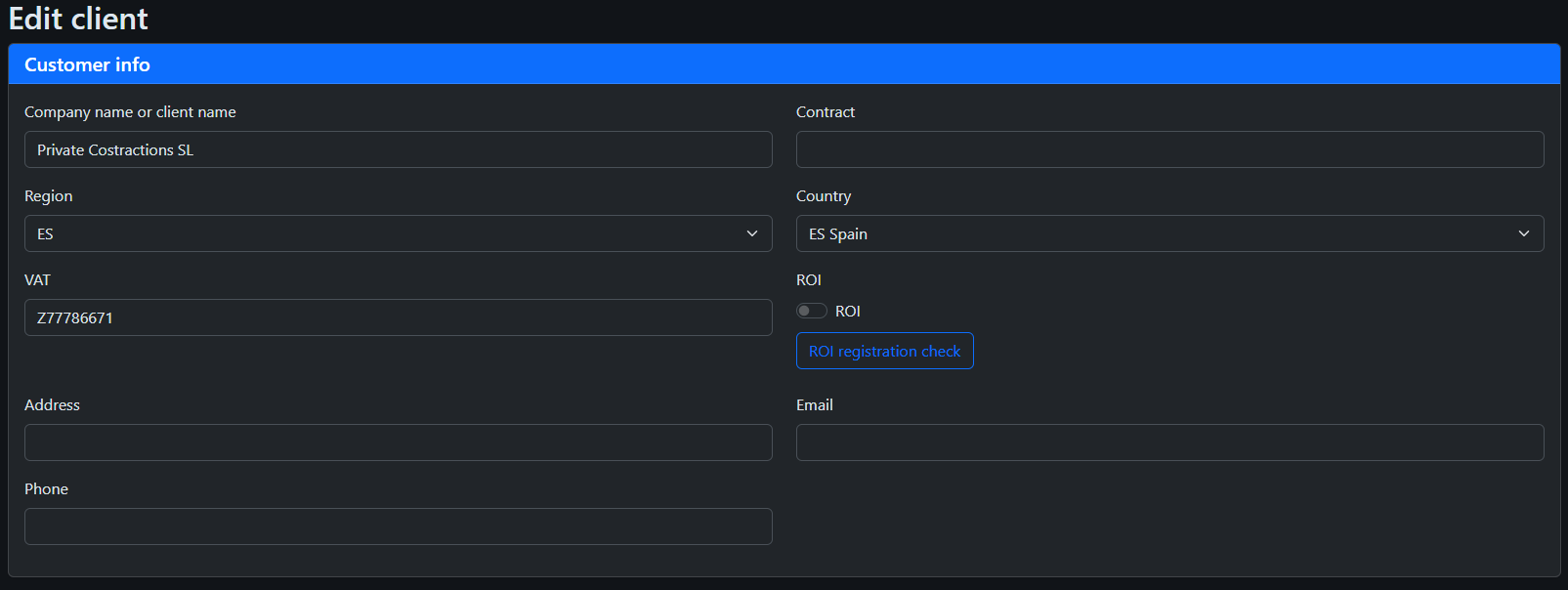
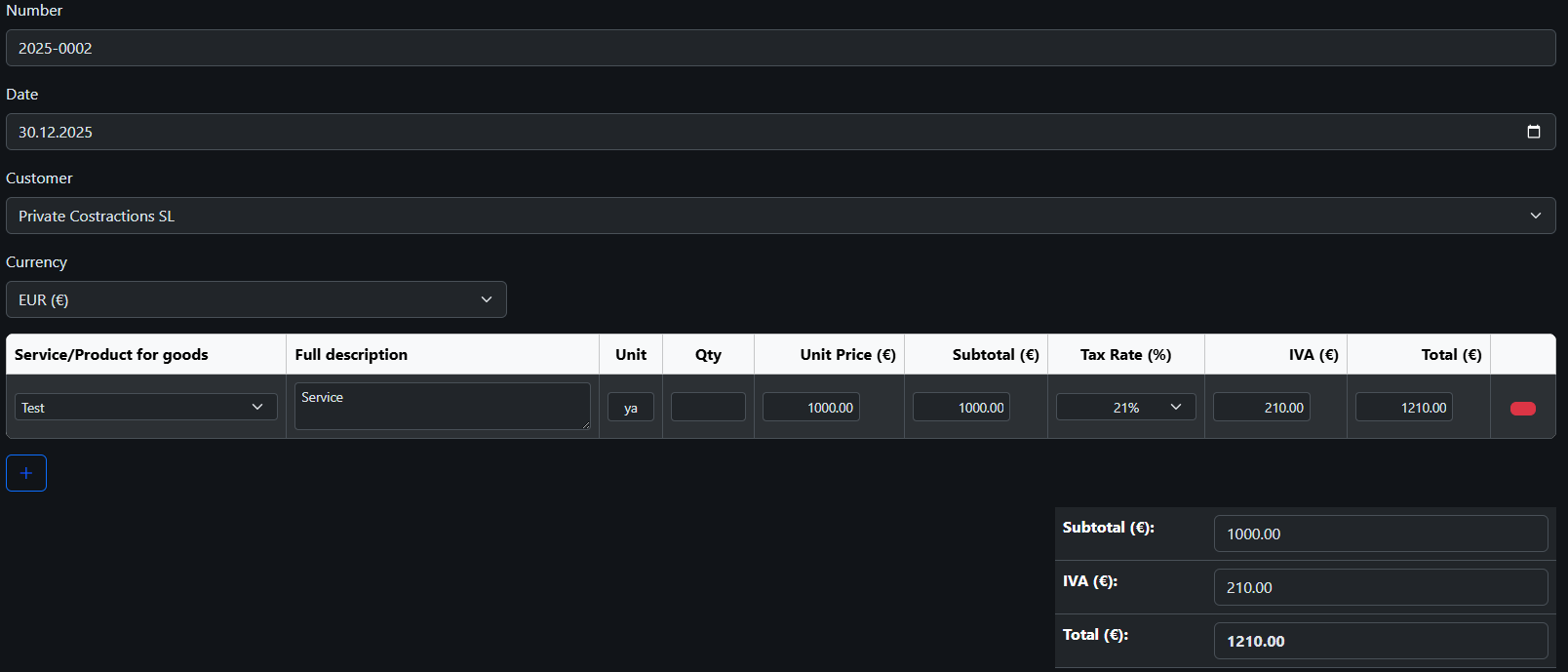
For Spanish clients, IVA is generally applied at 21%, unless a reduced rate (10% or 4%) applies.

3️⃣ Invoice to an EU Company (B2B)
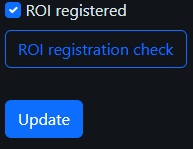
If both you and your EU client are registered in the ROI (VIES system), the invoice is issued with 0% IVA under the reverse charge mechanism.
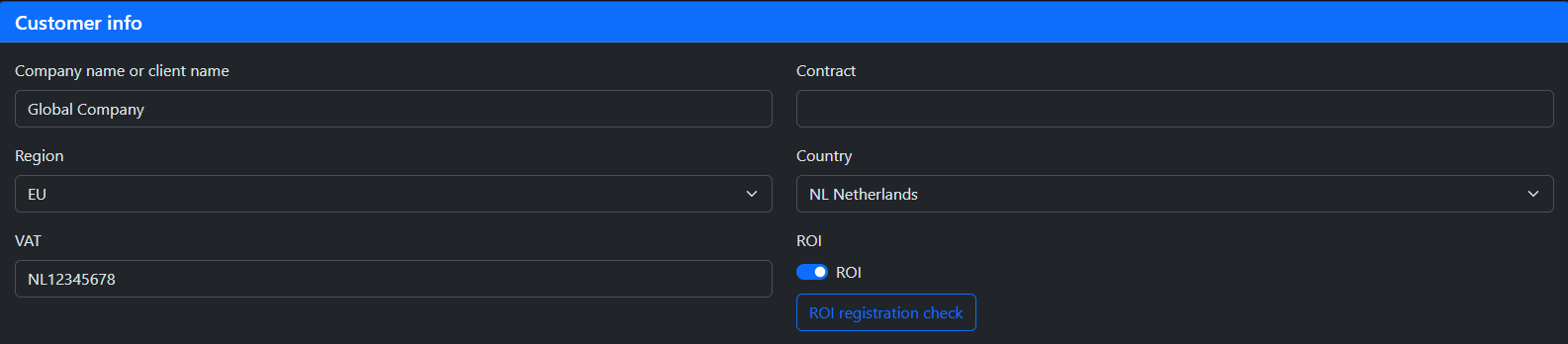
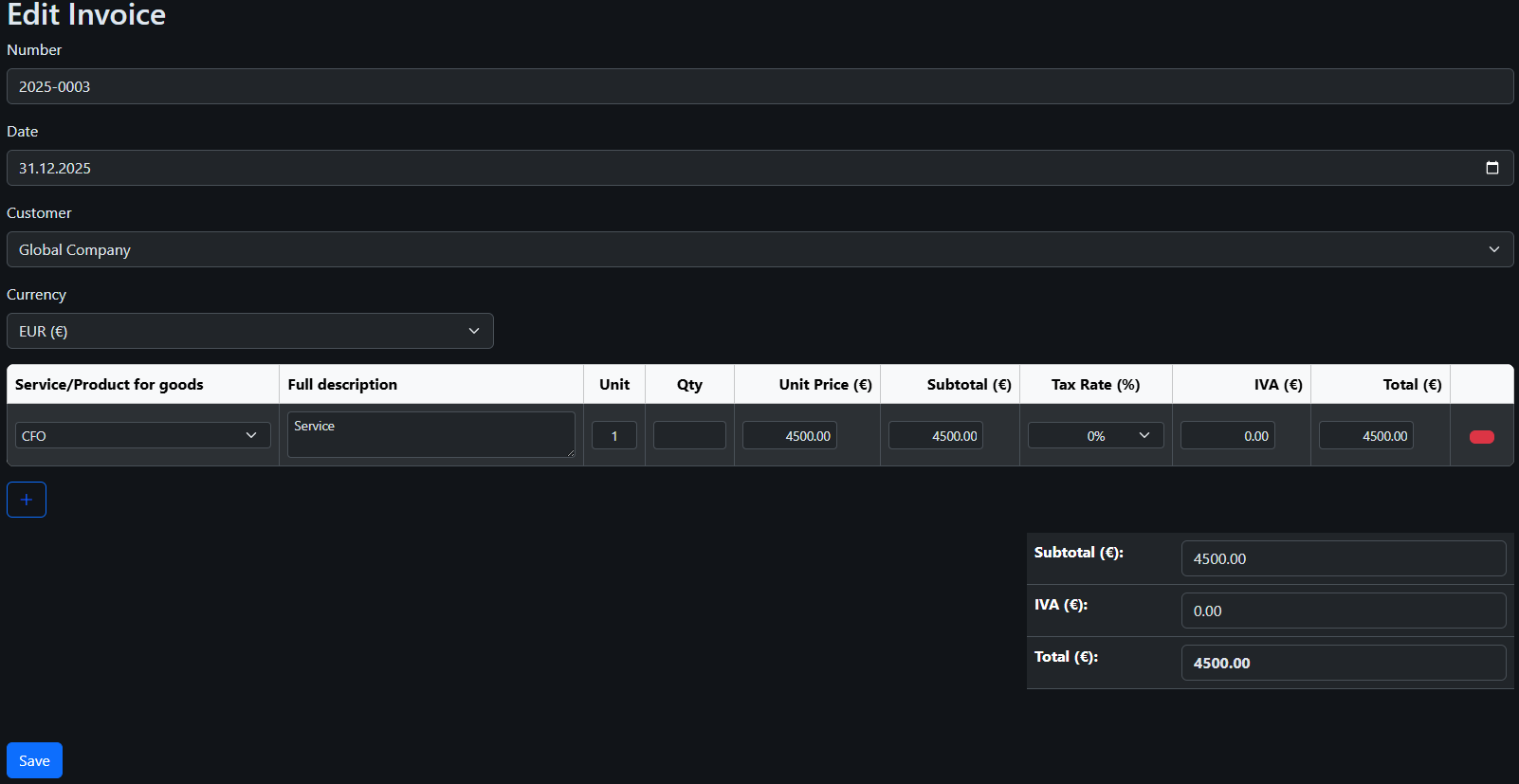
The invoice must include a reference to reverse charge under EU VAT Directive Article 44 and 196.

These transactions must be reported in Modelo 303 and Modelo 349.
4️⃣ Invoice to an EU Private Client (B2C)
For EU private individuals, Spanish IVA generally applies at 21%.
5️⃣ Invoice to Clients Outside the EU
Services provided to clients outside the EU (USA, RUSSIA, UK, Latin America, etc.) are generally not subject to Spanish IVA.
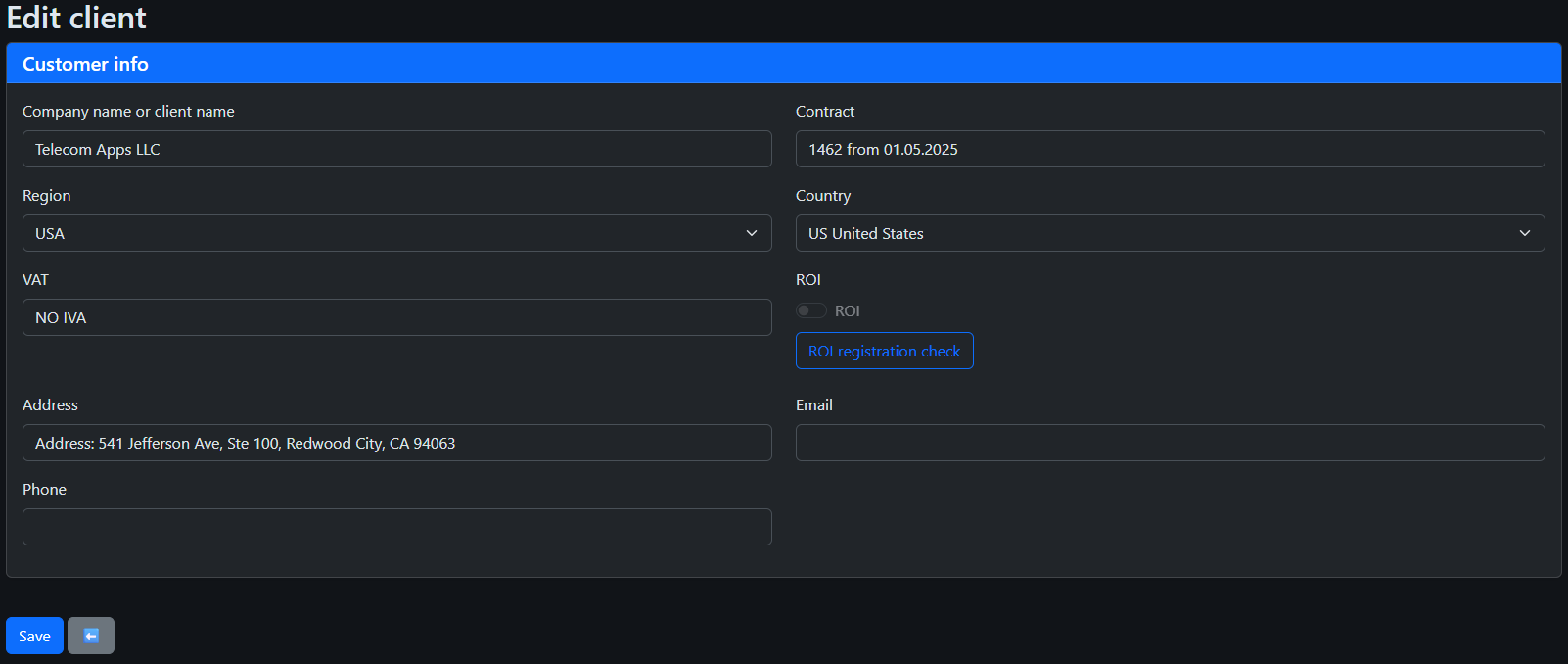
Invoices are issued with 0% IVA and should reference the applicable article of Spanish VAT Law (no sujeto a IVA por reglas de localización).

6️⃣ Currency and Exchange Rates
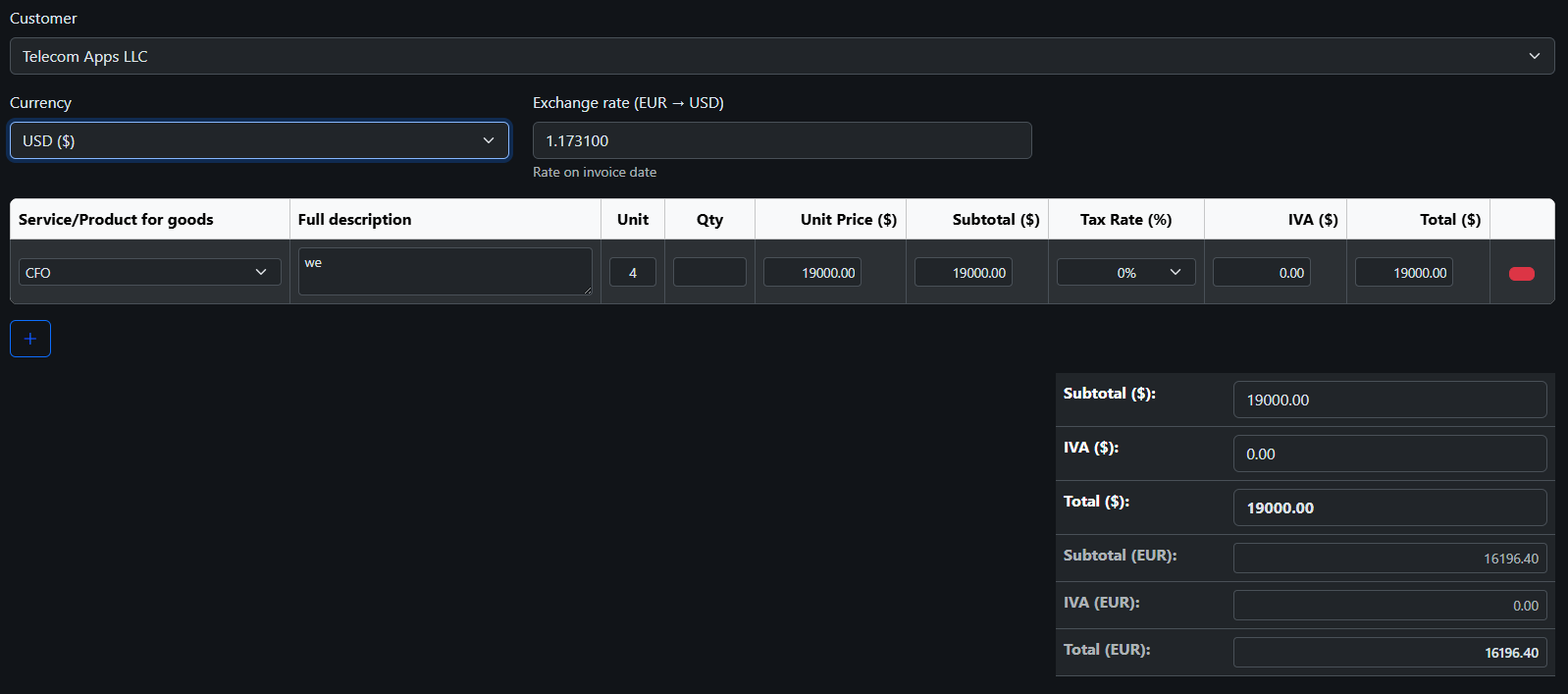
Invoices may be issued in foreign currency. However, accounting records and VAT declarations must reflect the EUR equivalent using the official exchange rate on the invoice date.
7️⃣ Verifactu and Invoice Finalization
When you create a new invoice, it starts as a draft.
At this stage, the invoice does not yet have a number and is not considered an official document. It can still be freely edited.
Think of it as a working version — nothing is final yet.
Once you finish preparing the invoice and click 'Mark as Final', the system automatically assigns a number and locks the document. ✅
Before you can print or send an invoice, it must be finalized. This is not a limitation of the system — it is a legal requirement in Spain under the Verifactu system.
Think of it like this: until the invoice is finalized, it is just a draft. Drafts can be edited, but they are not yet official documents.
To turn your invoice into a valid, official document, you need to complete at least one of the following steps:
- Mark the invoice as Final✅
- Sign it with your digital certificate📤
- Send it (or queue it) to the Tax Agency (AEAT)
Once one of these actions is completed, the invoice becomes locked and can be safely printed or sent to your client.
Important: after finalization, the invoice cannot be edited. If you need to fix something, you will need to issue a corrective invoice.
⚠️ Important: Verifactu mode and invoice behavior
Before continuing, it is important to understand how invoice submission mode works in the system.
There are two possible operating modes:
- No Verifactu mode — invoices are created and stored in the system, but are not automatically sent to the Tax Agency.
- Verifactu mode — invoices are registered and sent to the Spanish Tax Agency (AEAT) in accordance with legal requirements.
⚠️ Important rule: once you send even one invoice to the Tax Agency, the system switches to Verifactu mode for all invoices.
From that moment on, all invoices must be properly finalized, signed or queued for submission.
Mandatory compliance date for autónomos: 01/07/2027
Until that date, usage of Verifactu is optional, but after it becomes mandatory under Spanish tax regulations.
8️⃣ Fixing Mistakes (Corrective Invoices) ❌
Made a mistake in an invoice? Don’t worry — you can always correct it.
Even though finalized invoices cannot be edited, this does not mean you are stuck with an error.
Instead of modifying the original invoice, you simply create a corrective invoice "rectificativa".
Think of it like a correction note that officially adjusts or cancels the original invoice, while keeping everything transparent and compliant.
- Fix incorrect amounts or VAT
- Correct customer details
- Cancel an invoice completely if needed
This approach is required by Spanish tax regulations and ensures that all changes are properly tracked.
In short: you cannot edit a finalized invoice, but you can always correct it — safely and legally.
Correct invoicing ensures VAT compliance, prevents penalties and guarantees accurate reporting in Modelo 303, Modelo 349 and Modelo 390.
Our system automatically applies IVA rules, reverse charge logic and prepares tax-ready reports for Spanish autónomos and companies.